Use Case
Prioritize Your Target Accounts
You have 200 target accounts in your CRM. Your reps work them randomly—or alphabetically. Most aren't interested right now, and the ones that are look identical to the rest.
Without Mavin
What you can't see.
- ✗All 200 accounts look equal in your CRM—no signal on who's actually interested this week.
- ✗Reps work accounts randomly, spending expensive sales time on companies showing zero buying behavior.
- ✗No way to tell which accounts are in-market right now vs. six months from now.
- ✗Your best opportunities are buried in the same list as your deadest accounts.
With Mavin
What Mavin shows you.
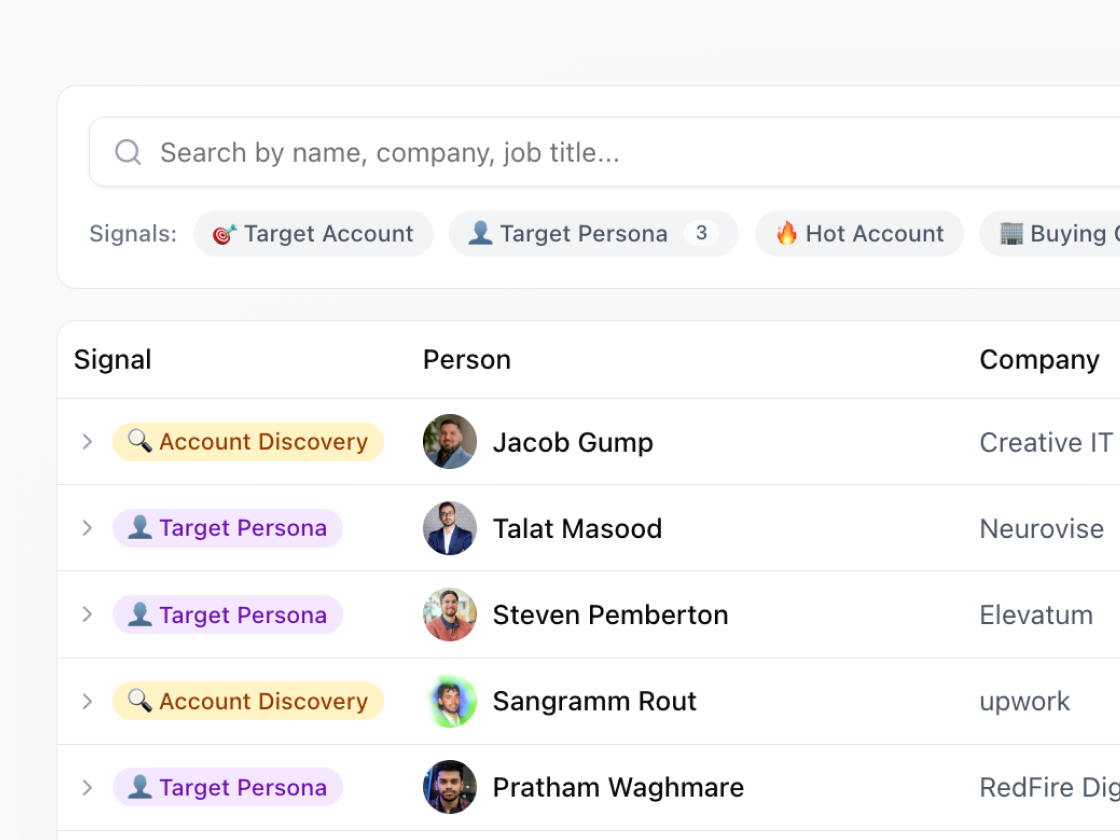
12 of your 200 target accounts actively researched your team this week. At one, a VP of Sales and Director of Ops both looked at your CEO and Head of Product. At another, an SDR Manager checked out three of your AEs. Focus your reps on those 12 accounts first—they convert at 10x the rate of random outreach.
Step by Step
The Playbook
Sort by signal strength
Rank accounts by number of researchers and research frequency. Three people from the same account researching your team in one week = hottest account on your list.
Focus the week
Start each Monday by reviewing which target accounts showed buying signals. Those are your priority outreach—everything else is background.
Deprioritize the rest
Accounts with no signals get automated nurture, not active outreach. Save your reps' time for accounts showing real interest.
Measure the difference
Track conversion rates for signal-prioritized outreach vs. random. The gap will make the case for you.
Who benefits most
See your buying signals
Setup takes 5 minutes. See which target accounts are researching your team today.